

Building a DIY 3D Scanner with Arduino
Introduction
3D printing has revolutionized various industries, from prototyping to medical research. But what about the other side of the coin—3D scanning? This technology allows us to create digital 3D models from physical objects, opening doors for cloning, digital archiving, and more. In this article, we’ll delve into the world of 3D scanning by building a DIY 3D scanner using Arduino.
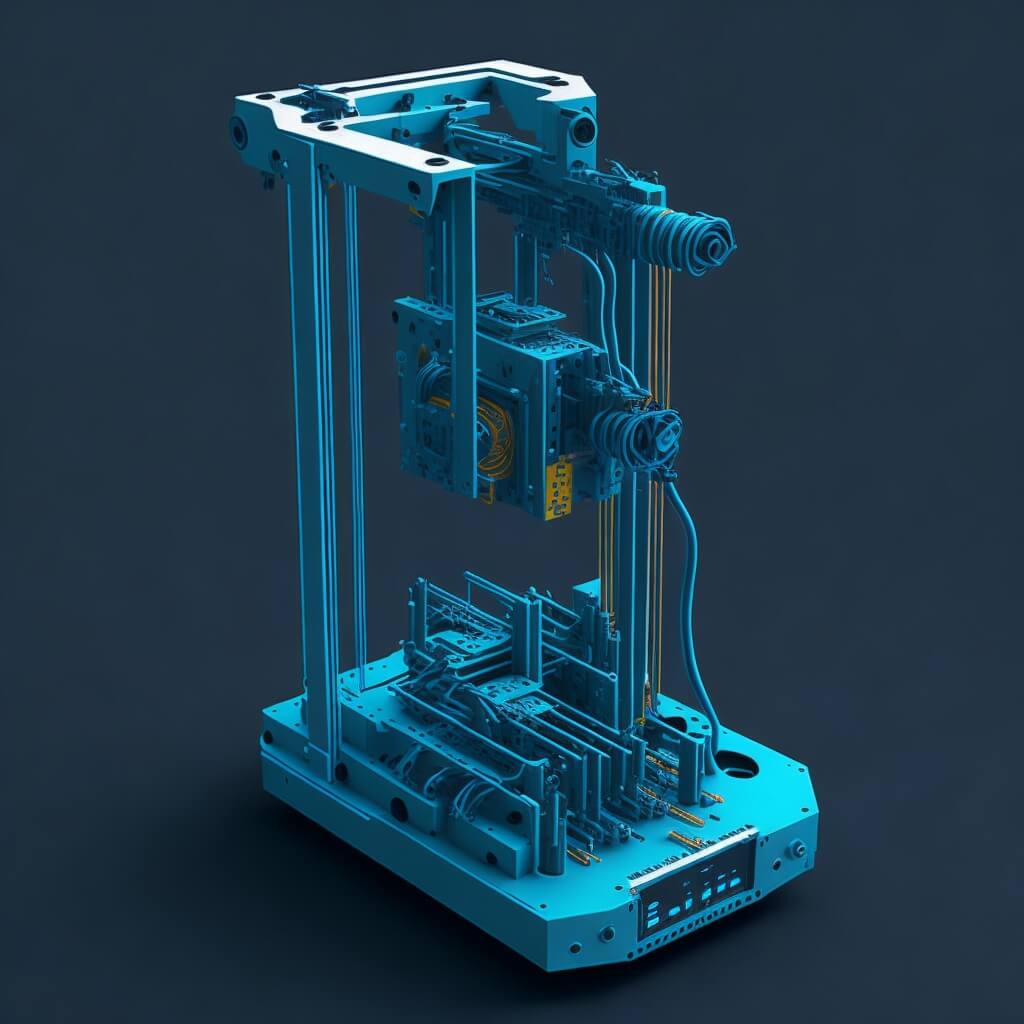
Why Arduino?
Arduino offers a cost-effective and accessible platform for DIY projects. Its flexibility makes it an ideal choice for building a 3D scanner, especially when you consider the 3D scanner price in India and other markets.
Key Components
- Arduino Uno: The brain of the operation.
- Stepper Motors: For rotating the model and moving the laser scanner.
- Laser Sensor: To scan the object.
- LCD Display: To show the scanning status.
- Keypad: For user input.
- SD Card Module: To save the scan data.
How It Works
The 3D scanner machine uses two stepper motors. One motor rotates a platform where the object to be scanned is placed. This allows for a 360-degree scan. The second motor moves the laser scanner vertically. Both motors work in coordination to create a comprehensive 3D scan.
The Arduino controller manages the motors and the laser sensor. The scan data is saved to an SD card, which can later be transferred to a PC for further processing into 3D model files.
Step-by-Step Guide
- Assemble the Frame: Use supporting rods, mounts, and joints to build the base and supporting frame.
- Install the Motors: Attach the stepper motors to the frame.
- Set Up the Laser Sensor: Mount the laser sensor on a screw-based arrangement.
- Connect the Arduino: Wire the Arduino Uno to the motors and laser sensor.
- Programming: Upload the Arduino code to control the motors and sensor.
- Testing: Place an object on the platform and run the scanner to test.
Conclusion
Building a 3D scanner machine using Arduino is not only a rewarding project but also a step into the future of digital modeling. Whether you’re interested in preserving historical artifacts or creating 3D models for design, this DIY project has you covered.
Common search variants this project covers
Related searches this project answers: arduino 3d scanner, 3d scanner project, diy 3d scanner arduino, 3d scanner using arduino, 3d scanner arduino, scanner 3d arduino, build a 3d scanner, how to build a 3d scanner, arduino scanner 3d, building a 3d scanner, arduino 3d laser scanner, 3d laser scanner arduino, how to build 3d scanner, how to build a 3d laser scanner, how to make a 3d scanner, homemade 3d scanner, 3d scanner home made, diy 3d scanner, arduino 3d scanner project, scanner 3d diy arduino, laser scanner arduino, laser scanner 3d diy, build a 3d laser scanner, how to make a scanner, 3d scanner selber bauen arduino.
More search queries this project answers
Related searches this project answers: 3d scanner diy, diy 3d scanner 2024, how to make a 3d laser scanner, 3d scanner machine using arduino, 3d scanner diy arduino, 3d scanner homemade, how to make 3d scanner, how to make 3d laser scanner, do it yourself 3d scanner, scanner 3d diy, laser scanner diy, instructables 3d scanner, 3d scanning diy, 3d scanner selber bauen, 3d laser scanner diy, diy laser scanner, diy 3d scanner for 3d printer, arduino ultrasonic sensor 3d scanner, home made 3d scanner, escaner 3d arduino, diy scanning, lidar 3d scanner arduino, scan 3d diy, que es?, make a 3d scanner.
More search queries this project answers
Related searches this project answers: diy scanner 3d, build 3d scanner, arduino laser scanner, 3d scanner instructables, build your own 3d scanner, diy high resolution 3d scanner, diy 3d scanning, diy 3d laser scanner.